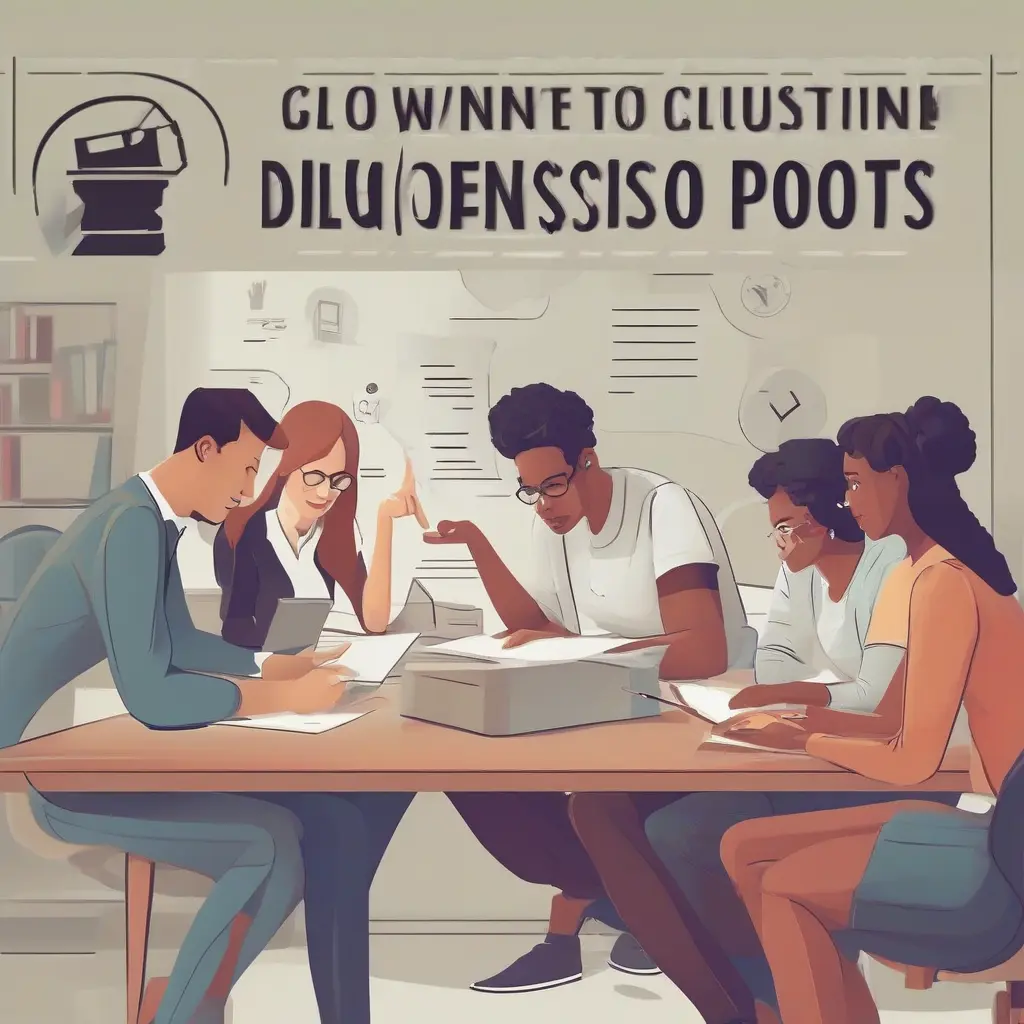
In today’s digital landscape, social media tools have become integral to effective collaboration in group projects, especially among students. These platforms not only streamline communication but also enhance teamwork by providing shared spaces for brainstorming, file sharing, and feedback. Whether organizing a simple study group or managing a complex project, utilizing the right social media tools can significantly elevate the experience and outcome. This article explores various social media tools tailored for student collaboration, offering insights into their benefits and functionalities.
Choosing the Right Social Media Platforms
Selecting the right social media platforms is crucial for successful collaboration. Platforms like Facebook, Instagram, and even Twitter provide informal spaces for interaction, but dedicated tools often serve better. Choosing platforms specifically designed for collaboration, such as Slack or Microsoft Teams, enables streamlined communication and file sharing. These platforms offer features tailored to project management, including conversation threads, task assignments, and integration with other productivity tools, making them indispensable for students engaged in collaborative efforts.
Enhancing Communication with Group Chats
Group chats play a vital role in fostering communication among team members. Applications like WhatsApp, GroupMe, and Discord allow users to create dedicated channels for specific projects. This ensures that all communication remains organized and accessible. Such tools enable real-time messaging, making it easier for members to brainstorm ideas, share updates, and make decisions efficiently. The instant nature of group chats helps eliminate misunderstandings and keeps everyone on the same page, ultimately leading to more cohesive teamwork.
Collaborative Document Editing Tools
Collaborative document editing tools like Google Docs and Microsoft Office 365 are essential for group projects. These platforms allow multiple users to edit documents simultaneously, making it easier to draft and revise content. Features such as comments and suggestion modes enable feedback and discussion directly within the document. This collaborative environment enhances productivity by allowing teams to work together regardless of their physical locations, thus ensuring that everyone can contribute their ideas and expertise effectively.
Organizing Tasks and Deadlines
Effective task organization is crucial for meeting deadlines in group projects. Tools like Trello and Asana provide visual boards and lists that help members track progress and assignments. Users can create cards for tasks, assign them to specific group members, and set deadlines. This visual representation of the workflow not only aids in accountability but also helps in prioritizing tasks based on their urgency and importance. Staying organized ensures that team members can focus on their individual responsibilities while contributing to the project seamlessly.
Sharing Resources and Files Efficiently
File sharing can often become a bottleneck in group projects. Social media platforms like Dropbox and Google Drive offer secure storage and easy access to shared resources. Students can upload documents, images, and other files, ensuring that all team members have the latest information at their fingertips. These tools facilitate easy collaboration and prevent confusion over which files are current. By centralizing resources, teams can spend more time on project development rather than searching for materials, enhancing overall efficiency.
Conducting Virtual Meetings
Virtual meetings have become indispensable for group projects, especially in remote or hybrid learning environments. Tools like Zoom and Microsoft Teams provide easy access to video conferencing features that allow real-time discussions. These platforms enable screen sharing, which is particularly useful for presentations and collaborative brainstorming sessions. By allowing teams to meet virtually, these tools bridge the distance gap and enable productive discussions, ensuring that all voices are heard, regardless of location.
Utilizing Social Media for Networking
Social media can also be used for networking in academic settings. Platforms like LinkedIn allow students to connect with professionals in their fields, seeking advice and collaboration opportunities. By leveraging these networks, students can gather insights, share their group projects, and even solicit feedback from experienced individuals. Networking through social media not only enriches the learning experience but also opens doors for future collaborations, internships, and job opportunities.
Incorporating Multimedia for Engaging Presentations
Incorporating multimedia elements into presentations can significantly enhance engagement in group projects. Tools such as Prezi and Canva allow students to create visually appealing slideshows that incorporate images, videos, and infographics. These elements can make presentations more dynamic and help in maintaining the audience’s interest. By leveraging these tools, students can deliver their ideas more effectively and leave a lasting impression on their classmates or instructors.
Maintaining Team Morale and Motivation
Maintaining team morale and motivation is key to successful collaboration. Social media tools can provide avenues for celebrating small victories and recognizing individual contributions. Platforms like Slack allow teams to create channels dedicated to sharing positive feedback and achievements. By fostering a supportive environment, team members are more likely to stay motivated and engaged in their tasks, which ultimately enhances productivity and collaboration.
Conclusion
Incorporating social media tools into group projects offers numerous benefits that streamline collaboration and enhance productivity. From communication and task management to resource sharing and networking, these platforms facilitate a more organized and engaged approach to teamwork. By selecting the right tools, students can maximize their collaborative efforts, leading to successful project outcomes and improved learning experiences. Embracing these technologies not only prepares students for future professional collaborations but also enriches their educational journey.